Please follow the steps below to navigate your IB portal:
- Log in to your DPrime account.
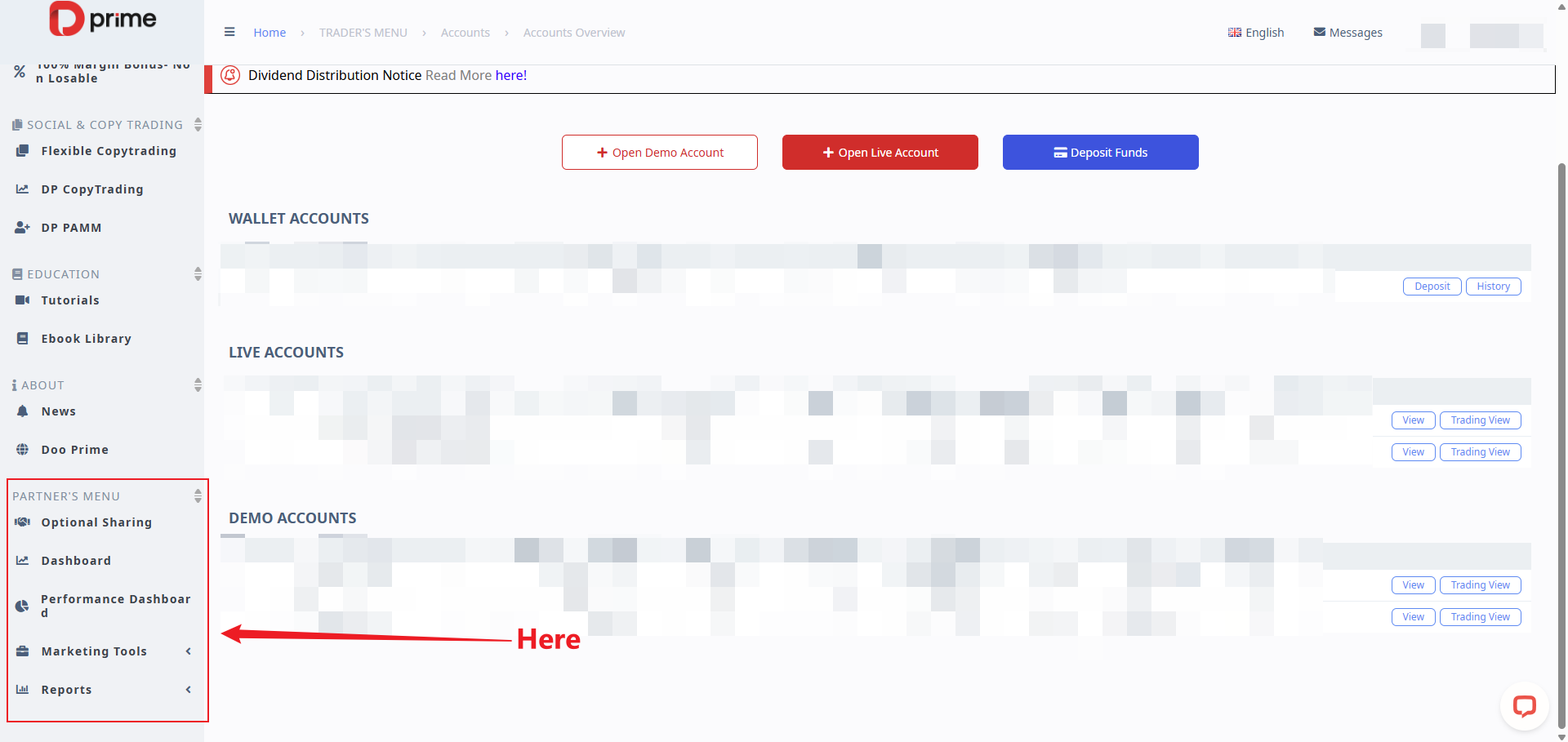
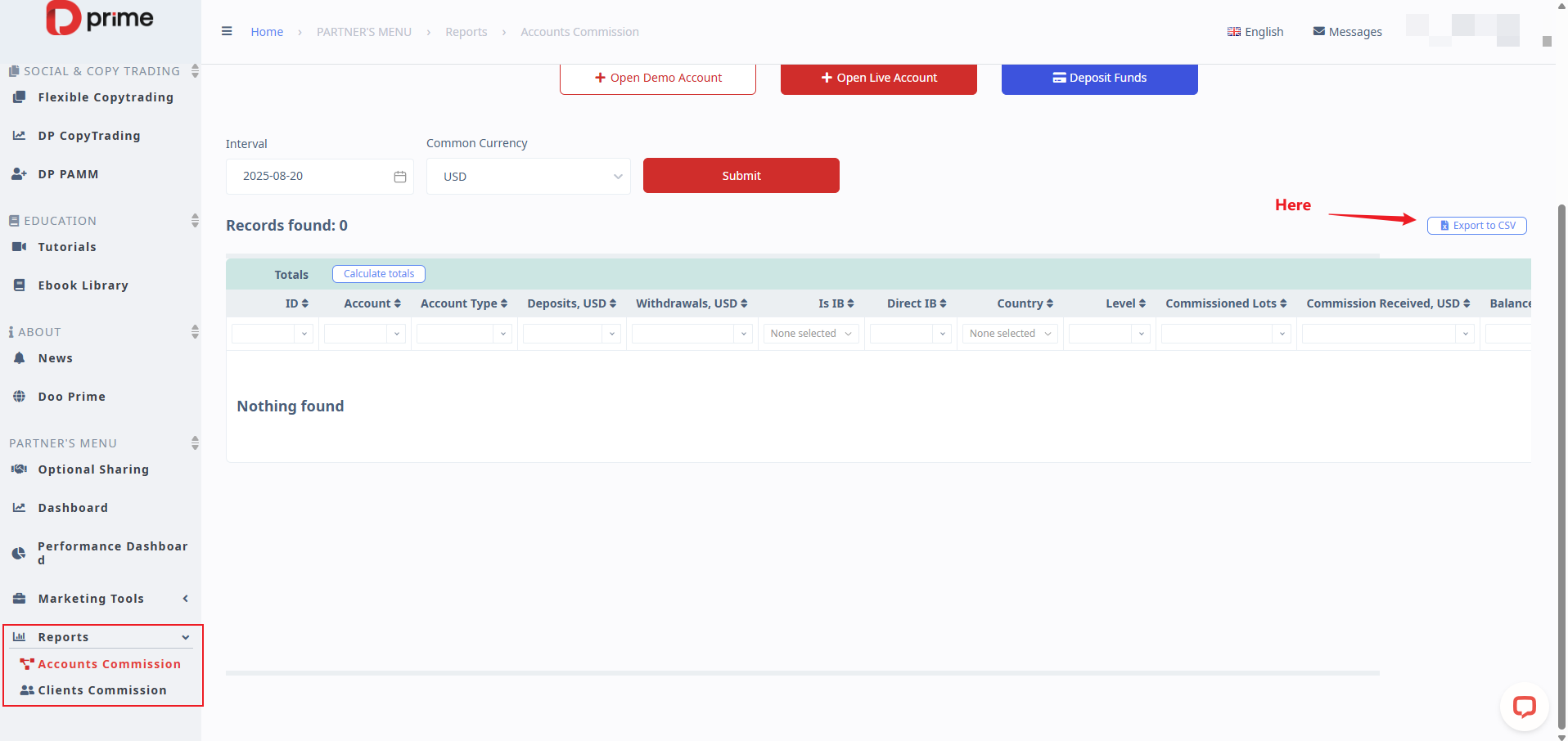
- From the left-side menu, scroll down to “Partner Menu.”
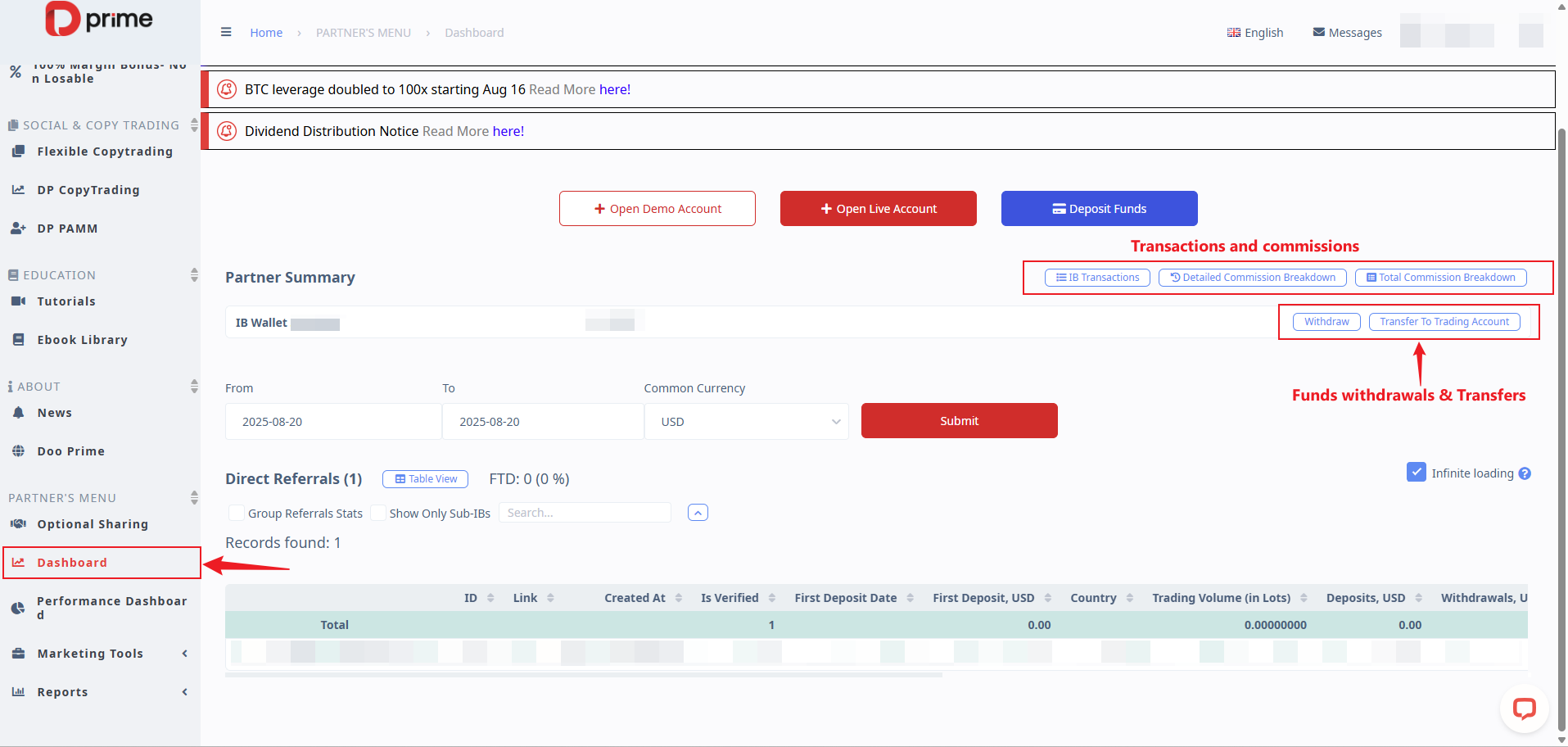
- Click on “Dashboard” to access your clients, IB commission breakdown, and transactions (refer to the image below).
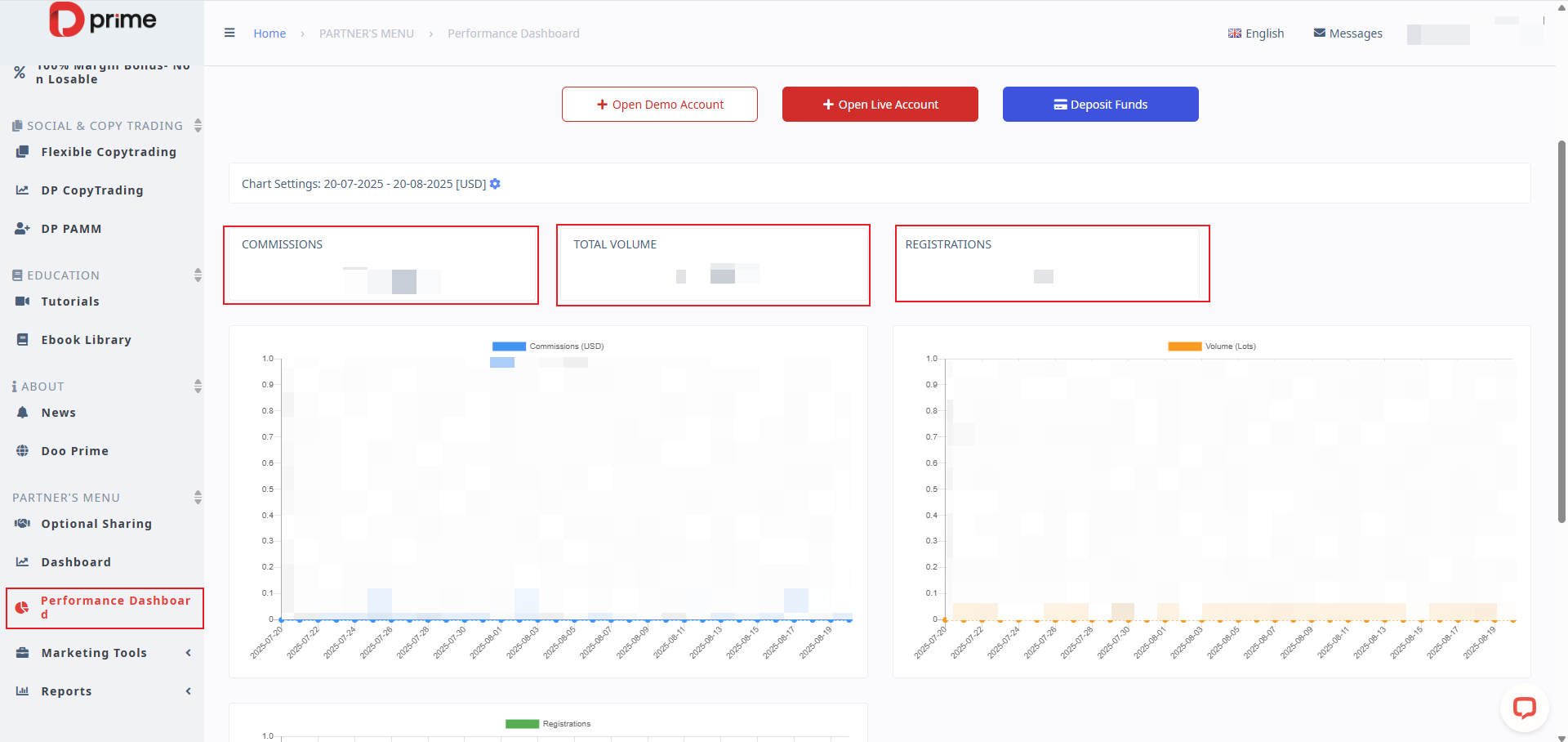
- In the “Performance Dashboard” section, you can view a graphical overview of commissions, traded lots, and registrations generated under your IB link.
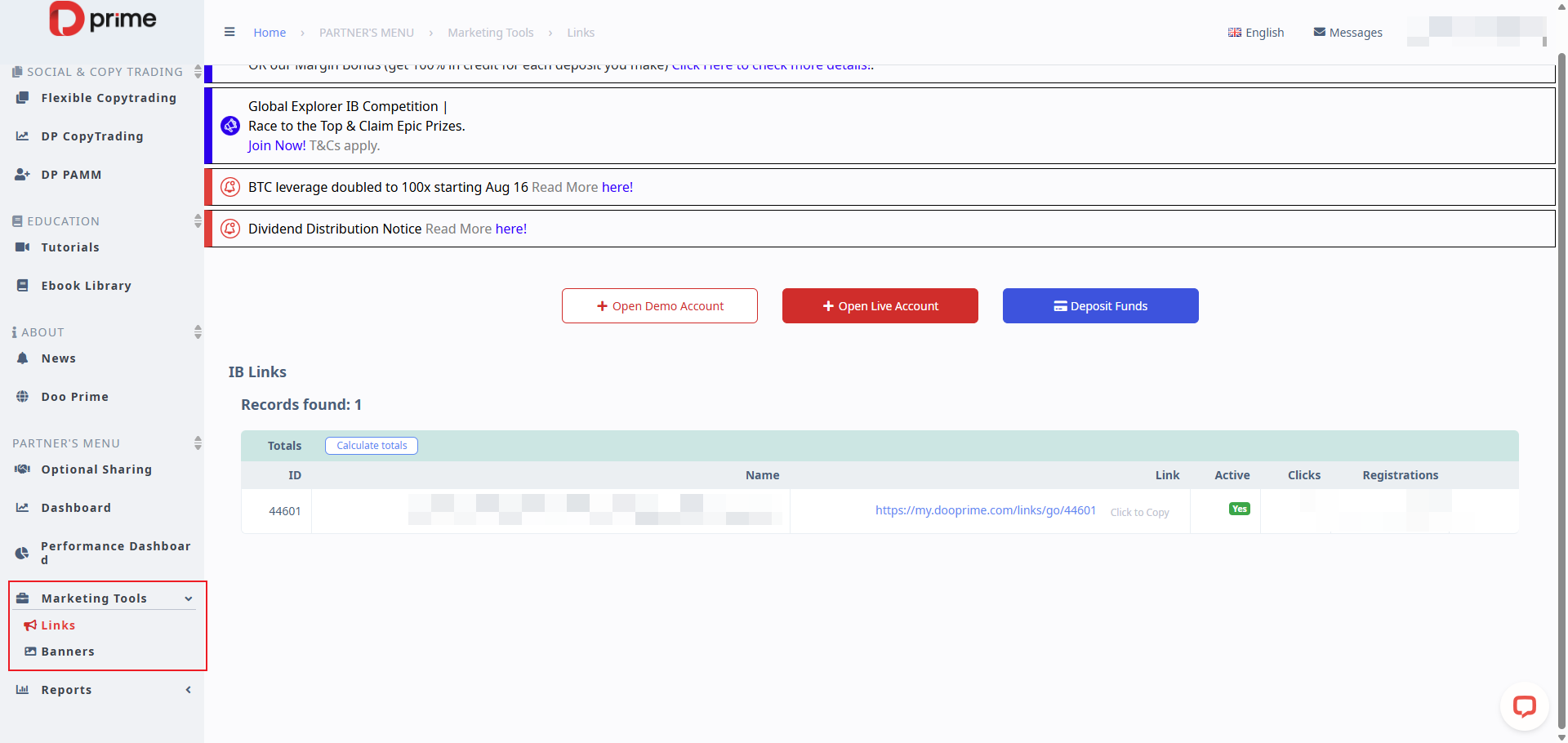
- Under “Marketing Tools,” you can find your IB referral links and banners for marketing purposes.
- In the “Reports” section, you can generate and export reports in CSV format.
Was this article helpful?
That’s Great!
Thank you for your feedback
Sorry! We couldn't be helpful
Thank you for your feedback
Feedback sent
We appreciate your effort and will try to fix the article